Table of Contents
As an Amazon Associate, we earn from qualifying purchases. This means we may receive a small commission at no extra cost to you when you buy through links on this page.
Why Use Bluetooth Headphones with Your TV?
Want to enjoy your favourite telly without disturbing the household? Or perhaps you struggle to hear dialogue clearly? Bluetooth headphones offer a fantastic solution. The benefits are numerous: freedom of movement to potter around while watching, avoiding complaints about volume levels, improved audio clarity thanks to focused sound delivery, and simple, wireless ease of use. By 2026, Bluetooth technology has significantly advanced. We’re seeing widespread adoption of LE Audio, offering lower energy consumption and improved audio quality, alongside more sophisticated codec implementations like LC3 for enhanced robustness and efficiency. This means better battery life and a more stable connection than ever before.
Understanding Bluetooth Codecs & TV Compatibility (2026)
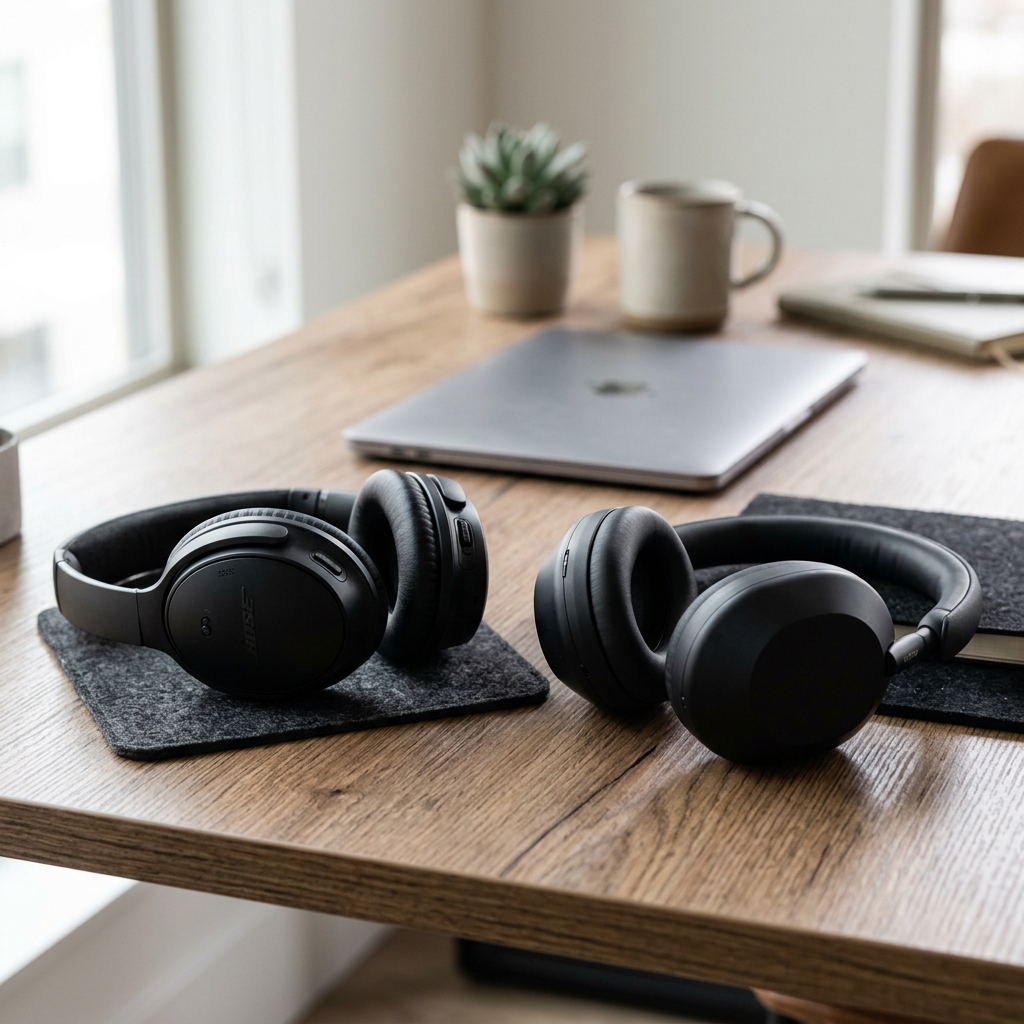
Bluetooth codecs are crucial for audio quality and latency. In 2026, aptX Adaptive remains a key player, dynamically adjusting the bitrate for optimal performance. LDAC, favoured by Sony, delivers high-resolution audio, but requires both the headphones and TV to support it. Importantly, LC3, part of LE Audio, is becoming increasingly prevalent, offering excellent quality at low bitrates, ideal for stable connections.
To check your TV’s Bluetooth capabilities, consult your TV’s manual or manufacturer’s website. Look for codec support information. Audio lag is a common concern. While improved codecs and hardware minimise this, look for headphones with a dedicated ‘low latency’ mode or your TV offering low latency pairing options. Using a Bluetooth transmitter (discussed later) can also impact latency.
Types of Bluetooth Headphones for TV
Over-Ear Headphones
Pros: Generally offer the best audio quality, noise cancellation capabilities, and comfort for long listening sessions. Tend to have better battery life.
Cons: Can be bulky and less portable. Some models can get warm after extended use.
2026 Innovations: Expect finer-tuned active noise cancellation (ANC) algorithms, more ergonomic designs with improved breathability, and greater integration with spatial audio formats.
Earbuds (True Wireless & Neckband Styles)
Pros: Compact and portable. True wireless earbuds offer maximum freedom. Neckband styles can provide lower latency due to direct connection.
Cons: Audio quality can be less immersive than over-ear headphones. Battery life is typically shorter. Comfort can be an issue for some users.
2026 Innovations: Improvements in ear tip materials for better seal and comfort, more sophisticated ANC for small form factors, and longer battery life through advancements in battery technology.
Bone Conduction Headphones
Pros: Allow you to remain aware of your surroundings, making them ideal for situations where you need to hear what’s happening around you. Comfortable for extended wear.
Cons: Audio quality is generally inferior to traditional headphones. Sound leakage can be an issue. Limited bass response.
2026 Innovations: Improved transducers for richer sound and reduced leakage, integration with AI for noise reduction and clearer voice transmission.
Top 5 Over-Ear Bluetooth Headphones for TV (UK – 2026)
| Headphone | Price (GBP) | Sound Quality | Comfort | Battery Life | Compatibility Notes |
|---|---|---|---|---|---|
| Sony WH-1000XM6 (2026) | £350 | Excellent. Rich, detailed sound with strong bass. | Very Comfortable. Lightweight design with plush earcups. | Up to 40 hours (with ANC) | Supports aptX Adaptive and LDAC. Excellent TV pairing. |
| Bose QuietComfort Ultra Headphones (2026) | £380 | Exceptional. Industry-leading noise cancellation and balanced audio. | Excellent. Renowned for comfort, even during long use. | Up to 24 hours (with ANC) | Reliable Bluetooth connection. Compatible with most TVs. |
| Sennheiser Momentum 4 Wireless (2026) | £300 | Superb. Detailed and accurate audio reproduction. | Good. Comfortable, although slightly heavier than Sony/Bose. | Up to 60 hours | Supports aptX Adaptive. Customizable EQ settings. |
| Apple AirPods Max (2026 – slightly updated) | £400 | Very good. Detailed and spacious sound. | Good. Premium build quality but can be heavy for some. | Up to 20 hours (with ANC) | Best experience with Apple TVs, but compatible with others. |
| Technics EAH-A800 (2026) | £280 | Excellent. Clear and balanced sound. | Very Comfortable. Good padding and adjustable headband. | Up to 50 hours | Supports LDAC. Excellent call quality. |
Top 5 Earbud/In-Ear Bluetooth Headphones for TV (UK – 2026)
| Headphone | Price (GBP) | Sound Quality | Comfort | Battery Life | Compatibility Notes |
|---|---|---|---|---|---|
| Apple AirPods Pro 3 (2026) | £250 | Excellent. Improved bass response and clarity. | Very Comfortable. Multiple ear tip sizes included. | Up to 6 hours (earbuds), 30 hours (with case) | Seamless integration with Apple products. |
| Technics EAH-AZ80 (2026) | £220 | Very Good. Balanced sound with good detail. | Comfortable and secure fit. | Up to 7 hours (earbuds), 25 hours (with case) | Supports LDAC. Multipoint pairing. |
| Sony WF-1000XM5 (2026) | £230 | Excellent. Best-in-class noise cancellation. | Comfortable, but fit can vary. | Up to 8 hours (earbuds), 24 hours (with case) | Supports aptX Adaptive. |
| Bose QuietComfort Earbuds II (2026) | £270 | Exceptional Noise Cancellation. Rich and balanced sound. | Good. Comfortable and secure fit. | Up to 6 hours (earbuds), 18 hours (with case) | Reliable Connection. |
| Creative Outlier Pro (2026) | £120 | Good. Solid sound quality for the price. | Good. Comfortable and secure fit. | Up to 9.5 hours (earbuds), 30 hours (with case) | Good value for money. |
Budget-Friendly Bluetooth Headphones for TV (Under £100 – UK, 2026)
For those on a tighter budget, the OneOdio A71 (2026) – £70 offers a surprisingly good experience. While lacking the advanced features of higher-end models, it provides decent sound quality and comfortable wear. Expect trade-offs in noise cancellation and codec support.
Setting Up Bluetooth Headphones with Your TV: A Step-by-Step Guide
- Enable Bluetooth on your TV: Navigate to your TV’s settings menu and find the Bluetooth option.
- Put your headphones into pairing mode: Consult your headphone’s manual for instructions.
- Scan for devices on your TV: Your TV will search for available Bluetooth devices.
- Select your headphones: Choose your headphones from the list.
- Pair and connect: Follow any on-screen prompts to complete the pairing process.
No Bluetooth on your TV? Use a Bluetooth transmitter like the Avantree Oasis Plus (Bluetooth Transmitter) – £80. Connect the transmitter to your TV’s audio output (e.g., 3.5mm headphone jack or optical output) and then pair your headphones with the transmitter.
Future Trends in Bluetooth Headphones for TV (2026 & Beyond)
Expect to see further advancements in Spatial Audio, creating a more immersive soundstage. Advanced Noise Cancellation will become even more effective at blocking out distractions. Personalised sound profiles, tailored to your hearing, will be commonplace. Integration with smart home systems will allow for voice control and seamless switching between devices. And crucially, low-latency technology will continue to improve, eliminating audio lag for a truly synchronised viewing experience.
Frequently Asked Questions (FAQs)
How long does the battery last in Bluetooth headphones for TV?
Battery life varies significantly between models. Expect anywhere from 6 hours (earbuds) to 60 hours (over-ear headphones) on a single charge.
What is the Bluetooth range for TV headphones?
Typically, the range is around 10-15 metres (33-50 feet) in an open space. Walls and other obstructions can reduce the range.
Are Bluetooth headphones compatible with all TVs?
Most modern TVs support Bluetooth, but it’s always best to check your TV’s specifications. If not, a Bluetooth transmitter is a viable solution.
What causes audio lag, and how can I fix it?
Audio lag occurs when the audio and video are not synchronised. It can be caused by Bluetooth interference, codec limitations, or TV processing. Try using a low-latency codec (aptX Low Latency, LC3), reducing the distance between the headphones and TV, or using a Bluetooth transmitter with low-latency support.
Can I use Bluetooth headphones with my soundbar?
Yes, if your soundbar has Bluetooth capabilities. Pair the headphones directly with the soundbar instead of the TV.