
Table of Contents
As an Amazon Associate, we earn from qualifying purchases. This means we may receive a small commission at no extra cost to you when you buy through links on this page.
Introduction: The All-Too-Common Earbud Loss
Let’s face it: losing wireless earbuds is a modern-day tragedy. They’re small, easily misplaced, and increasingly essential to our daily lives. With the booming popularity of truly wireless earbuds, from commutes to gym sessions, the risk of misplacing them has risen dramatically. In 2026, the convenience of wireless audio is ubiquitous, but so is the frustration of frantically searching for a missing bud. This guide will equip you with the knowledge and techniques to maximise your chances of a successful recovery.
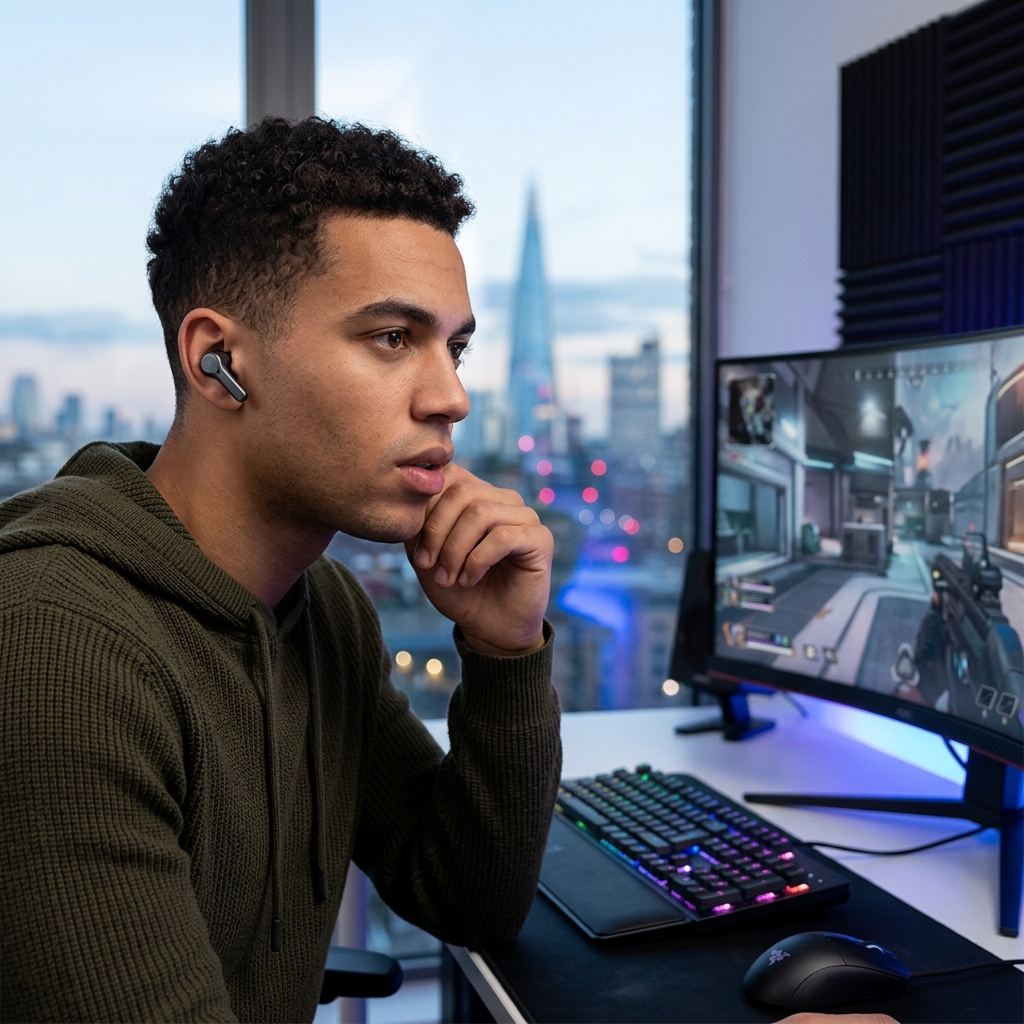
Understanding Earbud Tracking Technology in 2026
Fortunately, technology has advanced considerably in the past few years. Most premium earbuds now feature built-in tracking capabilities. These generally fall into three categories:
- Dedicated Apps: Manufacturers like Apple, Sony, Bose, and Samsung provide companion apps that allow you to view the last known location of your earbuds on a map. Improvements in 2026 see more accurate location data and better integration with augmented reality for pinpointing their location.
- Bluetooth Tracking: Earbuds can often ‘ping’ their location via Bluetooth, which your smartphone can detect. This is useful for close-range searching.
- ‘Find My’ Network Integration: Apple’s ‘Find My’ network, and Google’s equivalent, have become standard. This allows your earbuds to be located even when they’re out of Bluetooth range, utilising the combined network of millions of Apple/Google devices. The accuracy and speed of these networks are significantly enhanced in 2026 thanks to improved location services and broader adoption.
However, not all earbuds have these features. That’s where Bluetooth trackers come in.
Step-by-Step: Using Your Earbud’s Native App
Here’s how to use the apps for some of the most popular brands in 2026:
Apple AirPods Pro (2nd generation) – £249
1. Open the Find My app on your iPhone or iPad.
2. Select the Devices tab.
3. Your AirPods Pro (2nd gen) should appear in the list. Select them.
4. The app will display the last known location on a map. You can play a sound to help locate them if they’re nearby. The 2026 version of the app now includes an AR mode, guiding you visually to the earbuds’ location.
Sony WF-1000XM6 – £259
1. Open the Sony | Headphones Connect app.
2. Select your WF-1000XM6 earbuds.
3. Navigate to the Location tab (new in the 2026 app version).
4. The app shows the last known location alongside a ‘find my earbuds’ function. The updated app now integrates with Google’s Find My Network for broader coverage.
Bose QuietComfort Earbuds III – £279
1. Open the Bose Music app.
2. Select your QuietComfort Earbuds III.
3. Tap Find My Earbuds.
4. The app displays the last known location. The 2026 version includes a ‘heatmap’ showing areas where the earbuds have been frequently used, potentially narrowing down the search.
Jabra Elite 10 – £229
1. Open the Jabra Sound+ app.
2. Select your Elite 10 earbuds.
3. Go to Find My Jabra.
4. The app displays the last known location. The 2026 version has a map view that shows the signal strength, giving you a better indication of proximity.
Samsung Galaxy Buds3 Pro – £219
1. Open the Galaxy Wearable app.
2. Select your Galaxy Buds3 Pro.
3. Choose Find My Earbuds.
4. The app displays the last known location. Samsung’s 2026 app builds on its SmartThings integration, offering wider tracking capabilities.
Leveraging Bluetooth Trackers: A Backup Solution
If your earbuds lack built-in tracking, a Bluetooth tracker is a lifesaver. These small devices attach to your earbuds (or their case) and utilise crowdsourced networks to help you locate them.
Comparison of Bluetooth Trackers (2026)
| Tracker | Price (approx.) | Network | Range | Key Features (2026) |
|---|---|---|---|---|
| Tile Mate (2026 Edition) | £24.99 | Tile Network (Millions of users) | Up to 250ft | Improved battery life, louder sound, Ultra-Wideband support for precise locating. |
| Apple AirTag (4-pack) | £119 | Apple Find My Network (Hundreds of millions of devices) | Up to 30ft | Precision Finding with UWB, end-to-end encryption, seamless Apple integration. |
| Chipolo ONE Spot (2026 Edition) | £29.99 | Apple Find My Network & Chipolo Network | Up to 300ft | Water resistant, replaceable battery, louder sound, Apple Find My integration. |
Important Note: Range is limited by Bluetooth. Crowdsourced networks are reliant on other users being within range of your tracker.
Systematic Searching: Where to Look First
Before resorting to technology, a methodical search is crucial. Start with these common hotspots:
- Pockets: All of them!
- Bags: Backpacks, handbags, gym bags.
- Under Furniture: Sofas, chairs, beds.
- In the Car: Seats, floor, dashboard.
- Gym Bag: A common culprit after a workout.
- Near Charging Stations: Where you usually charge them.
Take your time and be thorough. Retrace your steps – where were you when you last used them?
Advanced Search Techniques: Using Your Smartphone’s Bluetooth
Even without a dedicated app, you can use your smartphone’s Bluetooth to scan for signals. Here’s how:
- Enable Bluetooth on your smartphone.
- Go to your phone’s Bluetooth settings.
- Scan for available devices.
- Your earbuds should appear in the list if they’re powered on and within range.
The signal strength indicator can give you a clue about proximity. A stronger signal means you’re closer.
Preventing Future Losses: Proactive Measures
Prevention is always better than cure. Here are some tips to avoid losing your earbuds in the future:
- Earbud Straps: A simple strap can connect your earbuds, preventing one from falling out unnoticed. (Spigen Earbud Strap – £9.99)
- Carrying Cases: Protect your earbuds and keep them in a designated place. (OtterBox Earbud Case – £24.99)
- Designated Charging Spots: Always put them in the same place to charge.
- Be Mindful: Pay attention when removing them, especially in public places.
What if All Else Fails? Replacement Options in 2026
If you’ve exhausted all options and your earbuds are unrecoverable, it’s time to consider replacements.
- Insurance Policies: Check your home contents insurance or gadget insurance – they may cover loss or theft.
- Replacement Programs: Some manufacturers offer replacement programs at a discounted price.
- New Purchases: Here’s a rough idea of replacement costs in 2026:
- Apple AirPods Pro (2nd generation): £249
- Sony WF-1000XM6: £259
- Bose QuietComfort Earbuds III: £279
- Jabra Elite 10: £229
- Samsung Galaxy Buds3 Pro: £219
FAQ
Q: What if my earbuds are offline and won’t connect to Bluetooth?
If the earbuds are powered off or out of battery, Bluetooth scanning won’t work. You’ll need to rely on the last known location in the native app (if applicable) or a tracker.
Q: How effective are crowdsourced finding networks?
Very effective, but dependent on network density. In urban areas with many users, the chances of locating your earbuds are significantly higher.
Q: Can I use a Bluetooth tracker with any earbuds?
Yes, you can attach a tracker to most earbuds, although it might require some creativity to find a suitable attachment point. The size of the tracker can be a limiting factor.
Q: Are there any new tracking technologies on the horizon?
Researchers are exploring ultra-wideband (UWB) technology for more precise indoor location tracking, and advancements in low-power Bluetooth beacons are also promising. Expect more integrated and accurate tracking solutions in future earbud models.
Q: What do I do if I suspect my earbuds were stolen?
Report the theft to the police. If you used a tracking app, you may be able to provide the police with location information. Contact your insurance provider.