Wireless earbuds have become an essential part of modern life, but their intimate contact with our ears means they’re prone to collecting earwax, sweat, and bacteria. Regular cleaning isn’t just about hygiene; it’s about maintaining sound quality and extending the lifespan of your investment. This guide provides a comprehensive look at how to clean your wireless earbuds, covering everything from essential tools to troubleshooting common problems, all updated for 2026.
As an Amazon Associate, we earn from qualifying purchases. This means we may receive a small commission at no extra cost to you when you buy through links on this page.
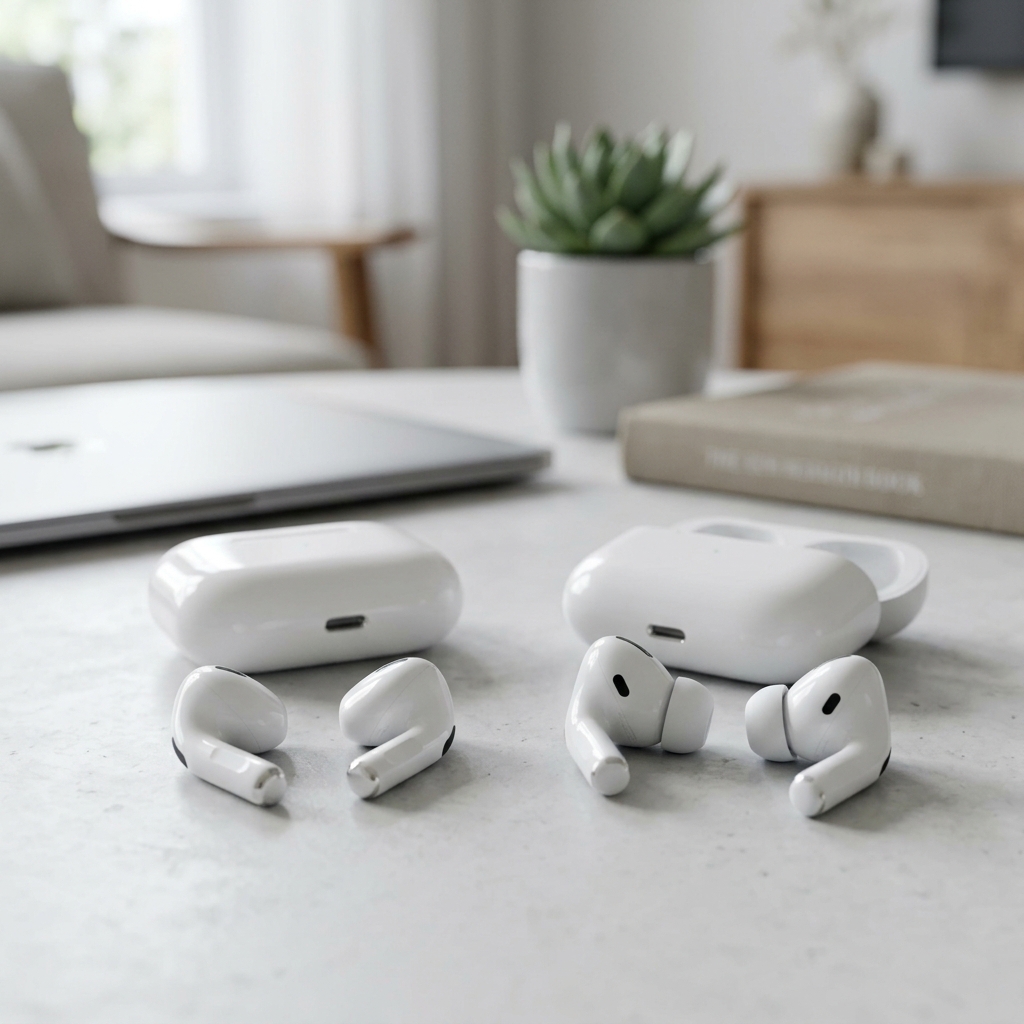
Table of Contents
Why Cleaning Your Wireless Earbuds Matters
The human ear is a warm, moist environment, perfect for bacterial growth. Earwax, while natural and protective, can also clog earbud ports and diminish sound quality. Studies in recent years (see National Institutes of Health study example) have consistently demonstrated a significant bacterial load on earbud surfaces, including potentially harmful strains.
- Sound Quality: Earwax and debris can physically obstruct sound output, leading to muffled or distorted audio.
- Hygiene: A buildup of bacteria can cause ear infections or skin irritation.
- Lifespan: Corrosive elements in earwax can damage internal components over time.
What You’ll Need: Essential Cleaning Tools for 2026
Thankfully, cleaning your earbuds doesn’t require a specialist toolkit. Here’s what you’ll need:
- Soft-Bristled Brush: Essential for dislodging debris from grilles and ports. The OXO Good Grips Soft Bristled Cleaning Brush Set (£12.99) is a popular choice for its precision and gentle bristles.
- Microfiber Cloths: For wiping down surfaces without scratching. A iSkin Microfiber Cleaning Cloth (6-Pack) (£9.99) offers excellent value.
- Isopropyl Alcohol (70%): A disinfectant that effectively kills bacteria. Avoid concentrations higher than 70% as they can damage some plastics.
- Earbud Cleaning Putty: Great for reaching into tight spaces and lifting away grime. MobileZap Earbud Cleaning Putty (£7.49) is a well-regarded option.
- Compressed Air: For blasting away loose particles. Use short bursts and hold the can upright.
- Cotton Swabs: Use sparingly and avoid pushing debris further in.
- UV Sanitizers (Optional): Increasingly popular in 2026, these devices use UV-C light to kill bacteria. The Tech Armor UV Sanitizer for Electronics (£29.99) is a leading model.
New for 2026: Sonic cleaning devices are now readily available, using high-frequency sound waves to dislodge debris. However, always check compatibility with your specific earbud model.
Step-by-Step Cleaning Guide: Earbud Tips & Buds
Cleaning Ear Tips
- Remove the Ear Tips: Gently detach the ear tips from the earbuds.
- Wash with Mild Soap: Use lukewarm water and a mild hand soap or earbud-specific cleaning solution. Avoid harsh detergents.
- Rinse Thoroughly: Ensure all soap residue is removed.
- Dry Completely: Allow the ear tips to air dry completely before reattaching them.
Tip Types: Silicone tips are easier to clean than foam tips. Foam tips may require more gentle handling and may need replacing more frequently.
Cleaning the Earbud Body
- Dampen a Microfiber Cloth: Lightly dampen a microfiber cloth with isopropyl alcohol (70%). Do not saturate the cloth.
- Wipe Down the Body: Gently wipe the exterior of the earbuds, paying attention to areas that come into contact with your skin.
- Clean Ports and Grilles: Use a soft-bristled brush to carefully remove debris from the ports and grilles. Follow up with a cotton swab lightly dampened with isopropyl alcohol, if necessary.
Material Considerations: If your earbuds have a matte finish, avoid excessive rubbing, as this can alter the texture. For metallic earbuds, a slightly more vigorous wipe is acceptable.
Cleaning the Charging Case: Don’t Forget This!
The charging case is often overlooked, but it’s a breeding ground for debris and bacteria.
- Remove Debris: Use a dry, soft-bristled brush or compressed air to remove loose particles from the case’s interior.
- Disinfect Contact Points: Gently wipe the charging contacts (both in the case and on the earbuds) with a cotton swab lightly dampened with isopropyl alcohol.
- Clean the Interior: Use a microfiber cloth dampened with isopropyl alcohol to wipe down the inside of the case.
Caution: Avoid getting any liquid inside the charging case’s electronics. Damage from liquid ingress is often not covered by warranties.
Earbud Cleaning Don’ts: Avoiding Damage
- Excessive Liquid: Avoid saturating any part of your earbuds or charging case with liquid.
- Abrasive Cleaners: Never use harsh chemicals, bleach, or abrasive cleaners.
- Sharp Objects: Do not use needles, pins, or other sharp objects to clean ports or grilles.
- Running Under Water: Unless your earbuds are specifically waterproof (check the manufacturer’s specifications), do not run them under water.
- Internal Component Damage: Avoid disassembling your earbuds, as this can void your warranty and potentially damage internal components.
Cleaning Different Earbud Types: A Specific Approach
Cleaning techniques can vary depending on your earbud design.
In-Ear Earbuds
Follow the steps outlined above. Pay particular attention to the nozzle where the ear tip attaches, as this is a common area for debris buildup.
Over-Ear Hook Earbuds
These often have larger surfaces that require more thorough wiping. Focus on the hook portion, as this comes into direct contact with your skin.
Bone Conduction Earbuds
Clean the pads that rest against your cheekbones carefully with a damp microfiber cloth. Avoid getting liquid into the transducer areas.
Noise-Cancelling Earbuds
Be extra gentle when cleaning noise-cancelling earbuds, as the microphones and sensors are delicate. Avoid applying excessive pressure.
Preventative Measures: Keeping Your Earbuds Cleaner for Longer
- Regular Wiping: Wipe your earbuds down with a microfiber cloth after each use.
- Proper Storage: Store your earbuds in their charging case when not in use.
- Avoid Sweaty Activities: If possible, avoid using your earbuds during intense workouts or other sweaty activities.
- Earbud Covers/Guards: Consider using earbud covers or guards to protect them from earwax and debris.
Troubleshooting: What to Do if Cleaning Doesn’t Help
If cleaning doesn’t resolve issues like muffled sound, charging problems, or physical damage:
- Persistent Muffled Sound: Check if the ear tips are properly seated. If the problem persists, the speaker drivers may be damaged.
- Charging Problems: Inspect the charging contacts on both the earbuds and the case for corrosion or debris.
- Physical Damage: If your earbuds are physically damaged, contact the manufacturer for repair or replacement options.
For Comparison: While this guide focuses on earbuds, maintaining other headphones is vital. For example, cleaning the earpads of over-ear headphones like the Grado SR60x Headphones (£129) will also improve audio quality and hygiene.
FAQ
How often should I clean my wireless earbuds?
Ideally, you should wipe down your earbuds with a microfiber cloth after each use and perform a more thorough cleaning (as described above) at least once a week, or more frequently if you use them heavily.
Can I use hand sanitizer to clean my earbuds?
While hand sanitizer contains alcohol, it often includes other ingredients that can leave a sticky residue. Isopropyl alcohol (70%) is a better choice.
What if my earbuds are waterproof?
Even if your earbuds are waterproof, avoid prolonged exposure to water and always dry them thoroughly before charging. Check the manufacturer’s specifications for specific cleaning recommendations.
Are UV sanitizers effective?
UV sanitizers can effectively kill bacteria on the surface of your earbuds, but they don’t remove physical debris like earwax. They should be used in conjunction with other cleaning methods.
What do I do if I’ve damaged my earbuds during cleaning?
If you’ve accidentally damaged your earbuds during cleaning, check your warranty. Contact the manufacturer for repair options or consider a professional electronics repair service.