Table of Contents
As an Amazon Associate, we earn from qualifying purchases. This means we may receive a small commission at no extra cost to you when you buy through links on this page.
Why Use Bluetooth Headphones with Your TV?
In 2026, enjoying your favourite TV programmes and films has become even more immersive, but sometimes, peace and quiet is paramount. Bluetooth headphones offer a fantastic solution for undisturbed listening, allowing you to enjoy your entertainment without disturbing others. This is particularly useful for those living in flats, with families, or who simply prefer a more private viewing experience.
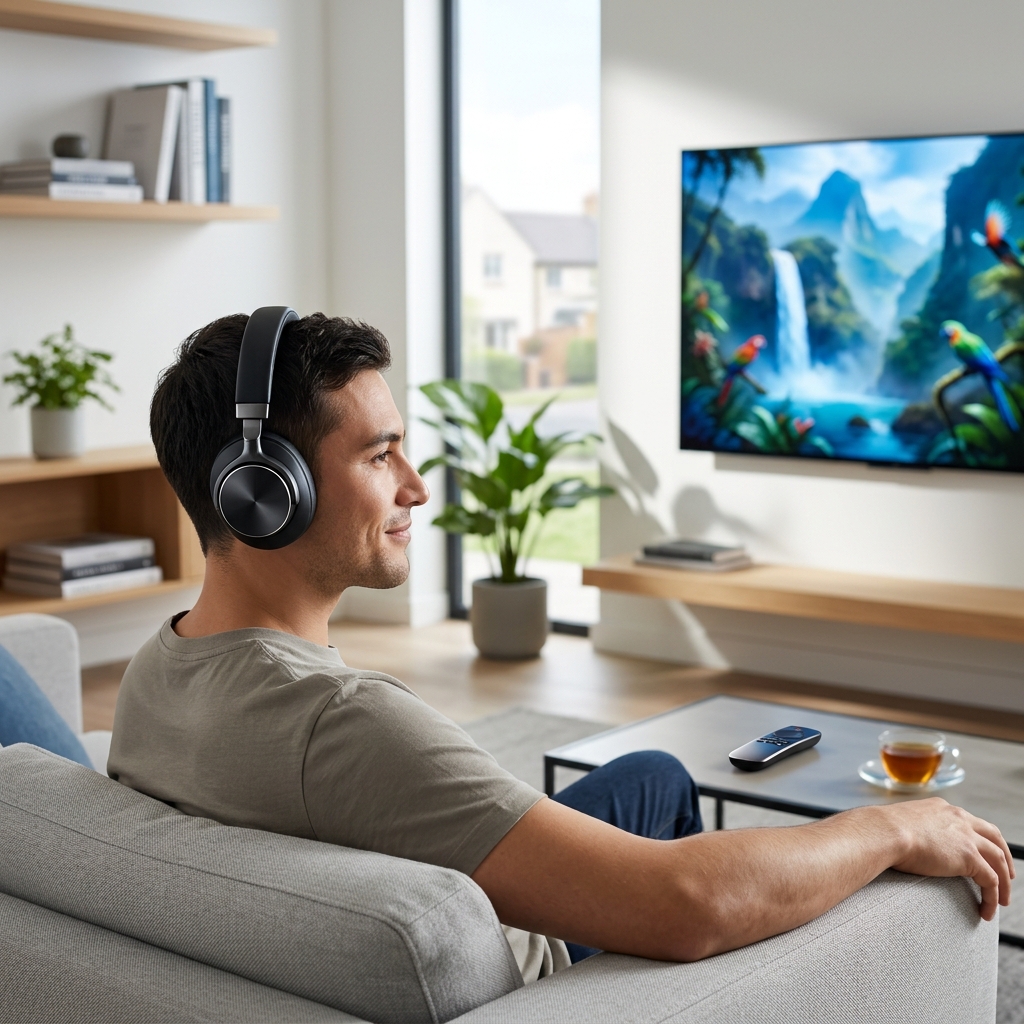
Beyond the benefit of avoiding volume disputes, Bluetooth headphones often deliver improved clarity, especially with advancements in Bluetooth codecs. By 2026, the widespread adoption of LE Audio and continued refinements to codecs like aptX Adaptive and LDAC are dramatically reducing latency and improving audio fidelity. This means dialogue is clearer, sound effects are more impactful, and the overall viewing experience is greatly enhanced. The freedom of movement – being able to walk around the kitchen while still hearing the TV – is another significant advantage.
Types of Bluetooth Headphones for TV
Over-Ear Headphones
Over-ear headphones fully enclose your ears, providing excellent noise isolation and a comfortable fit for long viewing sessions. They generally deliver the best sound quality and are a popular choice for immersive TV experiences.
Pros: Superior sound quality, excellent noise isolation, comfortable for extended use.
Cons: Can be bulky and less portable, potentially warmer ears during long use.
On-Ear Headphones
On-ear headphones rest on your ears, offering a more compact design than over-ear models. They’re a good compromise between portability and comfort, but may not provide the same level of noise isolation.
Pros: More portable than over-ear, generally more affordable, lightweight.
Cons: Can cause discomfort during prolonged use, less noise isolation, sound leakage.
Earbuds
Bluetooth earbuds are the most portable option, fitting discreetly in your ears. Modern earbuds, especially those with advanced noise cancellation and low-latency modes, are becoming increasingly viable for TV viewing. A secure fit is crucial for optimal performance.
Pros: Extremely portable, discreet, increasingly good sound quality.
Cons: Fit can be problematic for some, shorter battery life, potential for sound leakage.
Key Features to Look for in 2026
- Bluetooth Codec Support: Look for headphones supporting aptX Adaptive or LDAC for high-quality, low-latency audio transmission. LE Audio support will become increasingly important.
- Low Latency: Crucial for synchronising audio with video. Anything under 30ms is ideal.
- Comfortable Earcups/Fit: Essential for long TV viewing sessions. Memory foam earpads are a good sign.
- Battery Life: Aim for at least 20 hours of playtime on a single charge.
- Wireless Range: A range of at least 10 meters (33 feet) is recommended.
- Built-in Microphone: Useful for voice assistants and making calls, though not always essential for TV use.
- Multi-Point Pairing: Allows you to connect the headphones to your TV and another device (like your smartphone) simultaneously.
Top Bluetooth Over-Ear Headphones for TV (UK – 2026)
Sony WH-1000XM6 (GBP 350)
The Sony WH-1000XM6 remains a top contender in 2026, offering exceptional noise cancellation, superb sound quality, and a comfortable fit. The updated codec support includes a refined aptX Adaptive implementation and improved LE Audio compatibility. Dialogue clarity is excellent, and the long battery life (up to 30 hours) makes it ideal for binge-watching.
Pros: Best-in-class noise cancellation, excellent sound quality, comfortable, long battery life.
Cons: Pricey, touch controls can be sensitive.
Bose QuietComfort Ultra Headphones (GBP 380)
Bose’s QuietComfort Ultra Headphones continue to deliver a premium experience. They excel in noise cancellation and offer a balanced, detailed sound signature. The immersive spatial audio feature adds another layer of realism to your viewing experience. Comfort is a hallmark of Bose headphones.
Pros: Exceptional noise cancellation, comfortable, immersive spatial audio, well-balanced sound.
Cons: Expensive, design is relatively understated.
Sennheiser Momentum 4 Wireless (GBP 300)
The Sennheiser Momentum 4 Wireless offers a more audiophile-focused experience. They deliver clear, detailed sound with a wide soundstage, perfect for enjoying the nuances of film soundtracks. The adaptive noise cancellation is effective, and the headphones are comfortable for extended use.
Pros: Excellent sound quality, comfortable, good noise cancellation, stylish design.
Cons: Noise cancellation isn’t quite as strong as Sony or Bose.
Best On-Ear Bluetooth Headphones for TV (UK – 2026)
OneOdio A71 Bluetooth Headphones (GBP 80)
For a budget-friendly option, the OneOdio A71 delivers impressive value. While not offering the same level of noise cancellation or sound quality as premium models, they provide a comfortable fit and reliable Bluetooth connectivity. Suitable for casual TV viewing.
Pros: Very affordable, comfortable, decent sound quality for the price.
Cons: Basic features, limited noise cancellation.
Top Bluetooth Earbuds for TV (UK – 2026)
Apple AirPods Pro 3 (GBP 280)
The AirPods Pro 3 have significantly improved latency and spatial audio performance. The secure fit and effective noise cancellation make them a good choice for TV viewing, especially for Apple ecosystem users. Transparency mode allows you to easily hear conversations without removing the earbuds.
Pros: Secure fit, excellent noise cancellation, improved latency, spatial audio, seamless Apple integration.
Cons: Expensive, features are best optimised for Apple devices.
Technics EAH-AZ80 (GBP 250)
The Technics EAH-AZ80 earbuds offer exceptional sound quality in a compact package. They feature a comfortable and secure fit, along with effective noise cancellation and a low-latency mode specifically designed for video playback. Battery life is also impressive.
Pros: Excellent sound quality, comfortable fit, low latency, good noise cancellation, long battery life.
Cons: Can be slightly bulky compared to some other earbuds.
Setting Up Bluetooth Headphones with Your TV
The process for connecting Bluetooth headphones to your TV varies slightly depending on the manufacturer. Here’s a general guide:
- Enable Bluetooth on your TV: Navigate to the TV’s settings menu and find the Bluetooth section.
- Put your Headphones in Pairing Mode: Refer to your headphone’s manual for instructions on how to enter pairing mode (usually involves holding a button).
- Select your Headphones on the TV: Your TV should scan for available devices. Select your headphones from the list.
- Pair and Connect: You may be prompted to enter a PIN (usually 0000).
Specific Brands:
- Samsung: Settings > Sound > Sound Output > Bluetooth Speaker List
- LG: Settings > Sound > Sound Out > Bluetooth
- Sony: Settings > Remote & Accessories > Bluetooth Connections
Bluetooth Headphone Maintenance & Care
- Cleaning: Regularly clean your headphones with a soft, dry cloth. Avoid using harsh chemicals or liquids.
- Storage: Store your headphones in a case when not in use to protect them from dust and damage.
- Battery Care: Avoid completely draining the battery regularly. Charge them when they reach around 20-30% remaining.
Frequently Asked Questions (FAQs)
Q: What causes audio lag (latency) when using Bluetooth headphones with my TV?
Latency is caused by the time it takes for the audio signal to be transmitted from the TV to the headphones. Using headphones that support aptX Adaptive or LDAC codecs, or the newer LE Audio, significantly reduces this lag. Ensure your TV also supports these codecs.
Q: Do all TVs have Bluetooth connectivity?
Most modern Smart TVs have built-in Bluetooth functionality, but some older models may not. You can check your TV’s specifications to confirm. If your TV doesn’t have Bluetooth, you can use a Bluetooth transmitter connected to the TV’s audio output.
Q: What is the difference between aptX Adaptive and LDAC?
Both aptX Adaptive and LDAC are high-quality Bluetooth codecs designed to deliver superior sound quality and reduce latency. LDAC generally offers a higher maximum bitrate than aptX Adaptive, potentially resulting in slightly better audio fidelity, but aptX Adaptive is known for its adaptive bitrate, offering a balance of quality and stability.
Q: Can I connect my Bluetooth headphones to multiple devices at once?
Many headphones now offer multi-point pairing, allowing you to connect to your TV and smartphone simultaneously. This lets you easily switch between watching TV and taking calls.
Q: How can I improve the Bluetooth connection quality?
Ensure there are no obstructions between the TV and the headphones. Keep the devices within a reasonable range. Also, check for interference from other wireless devices. Updating your TV and headphone firmware can also improve connection stability.